Connecting the system and external components
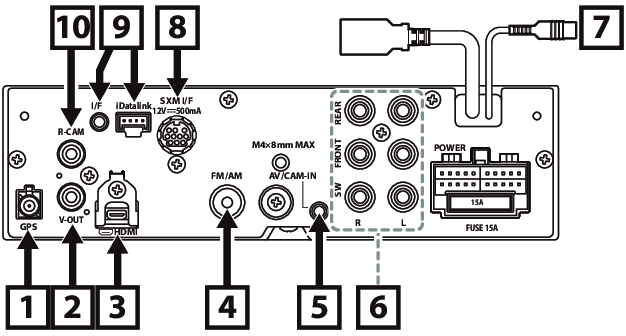
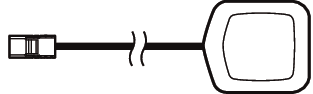
① | Accessory ⑤ : GPS Antenna Use the supplied GPS antenna. Using the GPS antenna other than the supplied one may cause a drop in positioning accuracy.
|
② | Visual Output (Yellow)
|
③ | HDMI input (Type-D) Connect a KS-U70 (optional accessory) to HDMI input terminal. |
④ | FM/AM antenna input
|
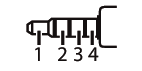
⑤ | This jack accepts either AV-IN or front view camera input. For more information, see Input Setup. 3.5 mm 4 pole mini plug (1; Left audio, 2; Video, 3; Ground, 4; Right audio)
|
⑥ | When connecting to an external amplifier, connect its ground wire to the car’s chassis to avoid damaging the unit. |
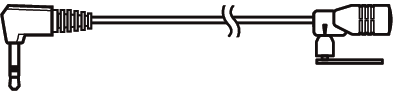
⑦ | Accessory ② : Microphone
|
⑧ | SiriusXM Connect Vehicle Tuner connector For more information on how to install the SiriusXM Connect Vehicle tuner, consult the installation guide included with the tuner. |
⑨ | iDatalink Maestro connector |
⑩ | Rear view camera input (Yellow) |

Installation/removal of fixing bracket
When you connect the cable to HDMI terminal, remove the fixture. After connecting the cable, put the fixture again.