Touch screen operations
To perform operations on the screen, you need to touch, touch and hold, flick or swipe to select an item, display a setting menu screen or change pages.
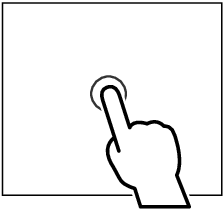
Touch
Touch the screen gently to select an item on the screen. |
|
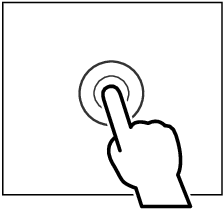
Touch and hold
Touch the screen and keep your finger in place until the display changes or a message is displayed. |
|
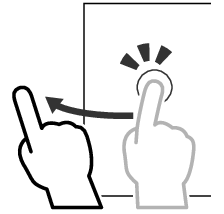
Flick
Slide your finger quickly to the left or right on the screen to change the page. You can scroll a list screen by flicking up/down on the screen. |
|
Swipe
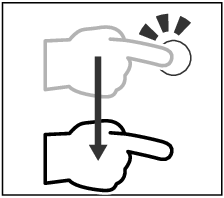
Slide your finger up or down on the screen to scroll the screen. |
|
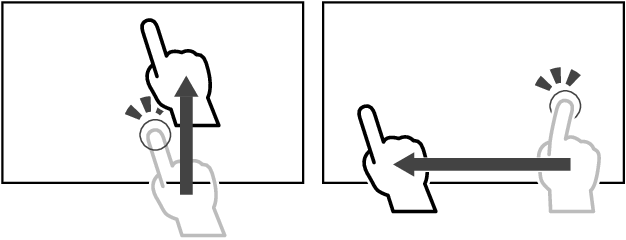
Gesture Touch Control:
You can also control playback by moving your finger on the touch panel as follows (for some sources, the gesture touch control function is not available).
- Sliding the finger upward/downward: Switch playback of audio files from the previous or the next folder (Media). Tuner Preset broadcast stations are switched.
- Sliding the finger leftward/rightward: Equivalent to the operation of pressing [E] / [F].