The volume is low or the sound is unpleasant

If the volume is low or the sound quality seems abnormal, following the steps below may solve the problem.
Follow the steps to check whether there is any abnormality with the sound output.
Adjusting the position of the earpieces may improve the issue.
Adjusting the Earpiece Position
-
Flip the earpieces as shown in the illustration below, and align the notch on the earpieces and convex shape on the earphones.
-
Flip back the earpieces as illustrated in the diagram.
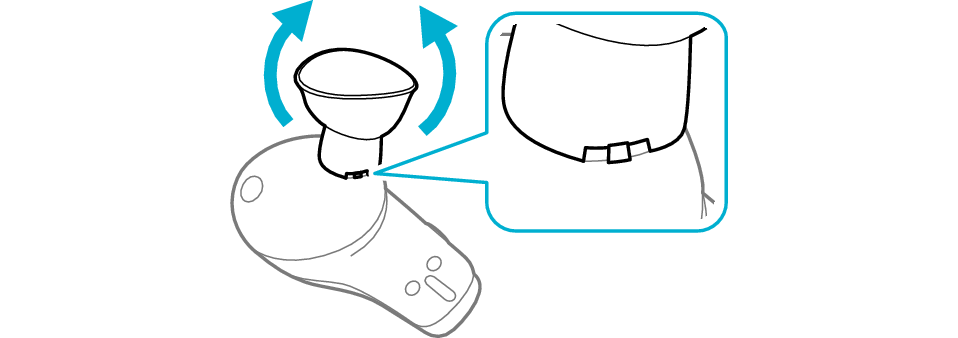

Adjusting the position of the earphone may improve the symptom.
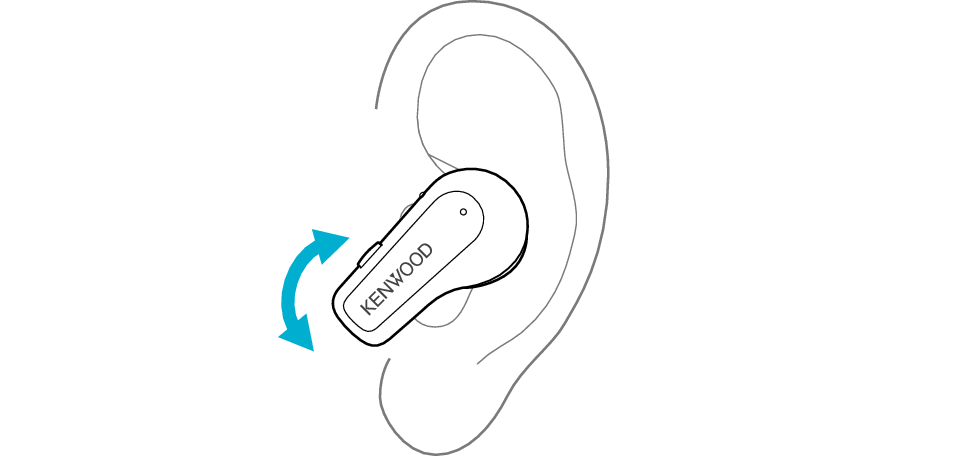
Adjusting the Earphone Position
Rotate the earphones to adjust them to the most comfortable angle.
Select the state after checking
Thank you for using Troubleshooting Guide.
When the Touch & Talk function is set to on, the volume is reduced.
Switch off the Touch & Talk function if it is on.
Setting the Touch & Talk function function
Press and hold the R earphone button for about one second, and release your finger when you hear a beep sound
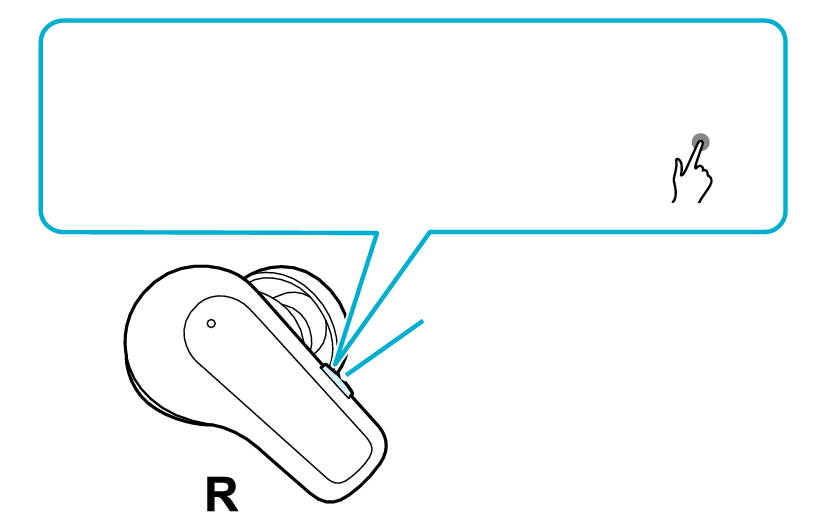
Turn off the Touch & Talk function
1second
Button
Each time you press and hold for about one second and a beep sounds, the Touch & Talk function switches on or off.
Select the state after checking
Thank you for using Troubleshooting Guide.
The volume on the earphones or the connected device may have decreased.
In this case, operate the earphones or connected device to increase the volume.
Increasing the Volume of the Earphones
Press the L earphone button three times quickly
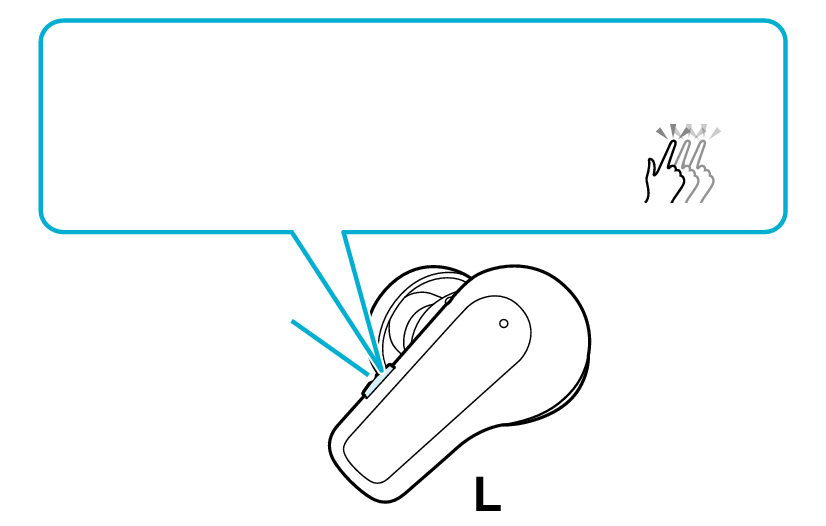
Volume up
3x
Button
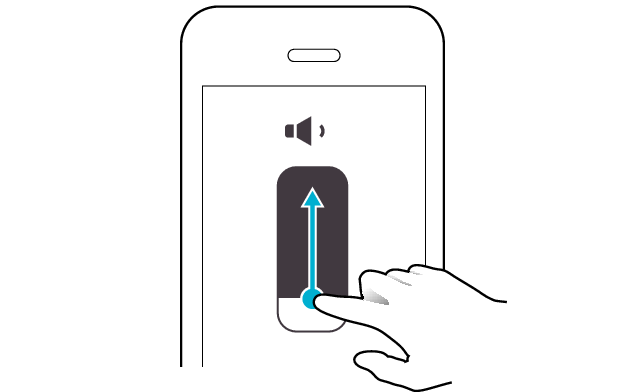
Increasing the Volume of the Connected Device
Adjust the volume